
Why evaluation starts with a problem
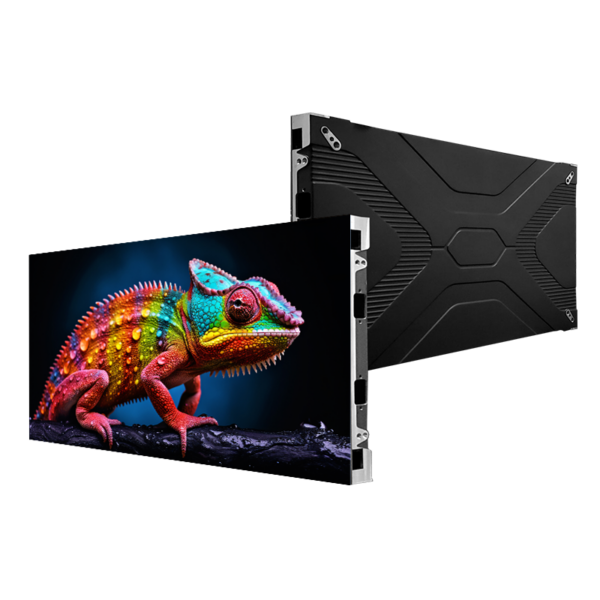
Deciding between similarly specced screens often fails because buyers treat appearance and headline numbers as proof of durability; that mistake leads to unexpected downtime and wasted budget. Start by framing the practical problems you must solve — visible pixel failures, inconsistent colour across panels, and unstable firmware — then inspect candidate hardware with that list. If you’re comparing an office video wall or a broadcast backdrop, include a practical sample of an indoor led display in your evaluation so tests reflect real use conditions rather than showroom demos.
Pinpoint the common failure modes
Quality issues show up in a few repeatable ways: dead or stuck pixels, brightness drift and uneven calibration, thermal hotspots, connector and power-supply failures, and firmware instability. Mechanical weaknesses — poor locking mechanisms, misaligned modules — increase risk during installation and servicing. List these failure modes up front and require suppliers to explain how their design choices specifically mitigate each one.
Tests that reveal real-world reliability
Run targeted checks rather than generic demos. Use a camera to reveal flicker that the eye misses; perform uniformity sweeps at multiple brightness levels; run a burn-in for several hundred hours under realistic ambient temperatures; cycle power to expose weak supplies; and test firmware updates and rollback to ensure field serviceability. Ask for thermal maps and mean-time-between-failure (MTBF) data so you can compare empirical durability, not just marketing claims.
Read the spec sheet with a sceptical eye
Key figures matter, but context is everything. Confirm pixel pitch actually matches the viewing distance needs, verify stated brightness in nits under operating temperature, check refresh rate and grayscale performance for motion-critical installations, and look for L70 or L50 lifetime ratings rather than vague “long life” claims. Demand clarity on power consumption at typical operating brightness and require safety and electromagnetic compliance marks appropriate to your region.
Procurement errors that reduce reliability
Buyers often pick the cheapest quoted cabinet, skip a site-level acceptance test, or accept a warranty that sounds long but is full of exclusions. Don’t over-spec brightness for a purely indoor environment; that stresses power and heat management unnecessarily. Ensure spare-module availability, local service options, and clear RMA procedures before finalising a contract.

Experience, evidence and a real-world anchor
Firsthand testing and third-party demonstrations help separate talk from reality. At the NAB Show in Las Vegas, small-pitch LED systems were demonstrably compared side by side under broadcast lighting, highlighting how calibration and thermal design change perceived quality. That kind of industry event, coupled with lab-style tests, supports confident decisions about an Indoor small pitch screen rather than relying on glossy images alone.
Alternatives worth considering
For some projects, high-brightness LCD video walls or projection systems still make sense: they can cost less for very close viewing, or they’re easier to service in certain facilities. MicroLED is emerging but typically carries premium pricing and limited field track record. Weigh total cost of ownership, maintenance access and ease of calibration rather than picking solely on upfront price or pixel pitch.
Conclude with a practical decision rule
Choose the panel that solves your specific failures: confirmed visual uniformity under test conditions, documented thermal and power performance, accessible serviceability and clear warranty terms. When those boxes are checked, many engineering teams find suppliers like HDC align with technical needs and testing expectations without turning selection into a gamble.